
Boat Management
Boat Dashboard is Haikoset’s personal boat log. It keeps a boat’s records in one place: trips and a public journal, motor hours, service, expenses, documents, sensors, and more than one boat if you need it.
A working installation is available at haikoset.fi/boat/. The application is open source and available on GitHub.
You sign in with a username and password. An optional secure code can be required before the login page, and an admin can turn that step off. On Haikoset’s installation at haikoset.fi/boat/, the secure code is in use.
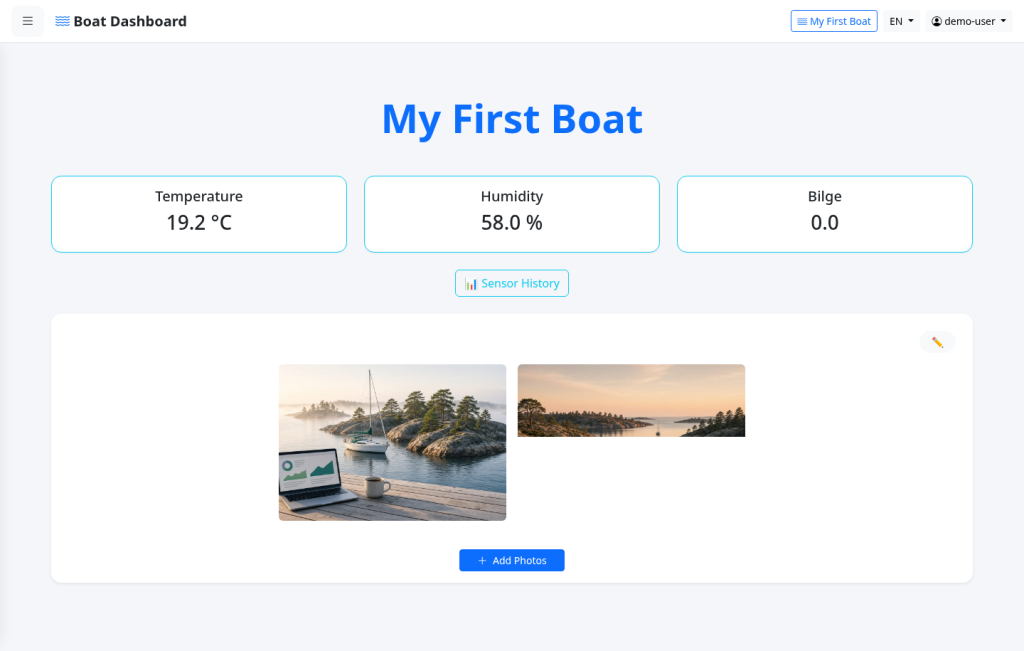
Sample view
A screenshot of the home view for the demo boat My First Boat. The information is fictional demo data, not records from a real vessel.
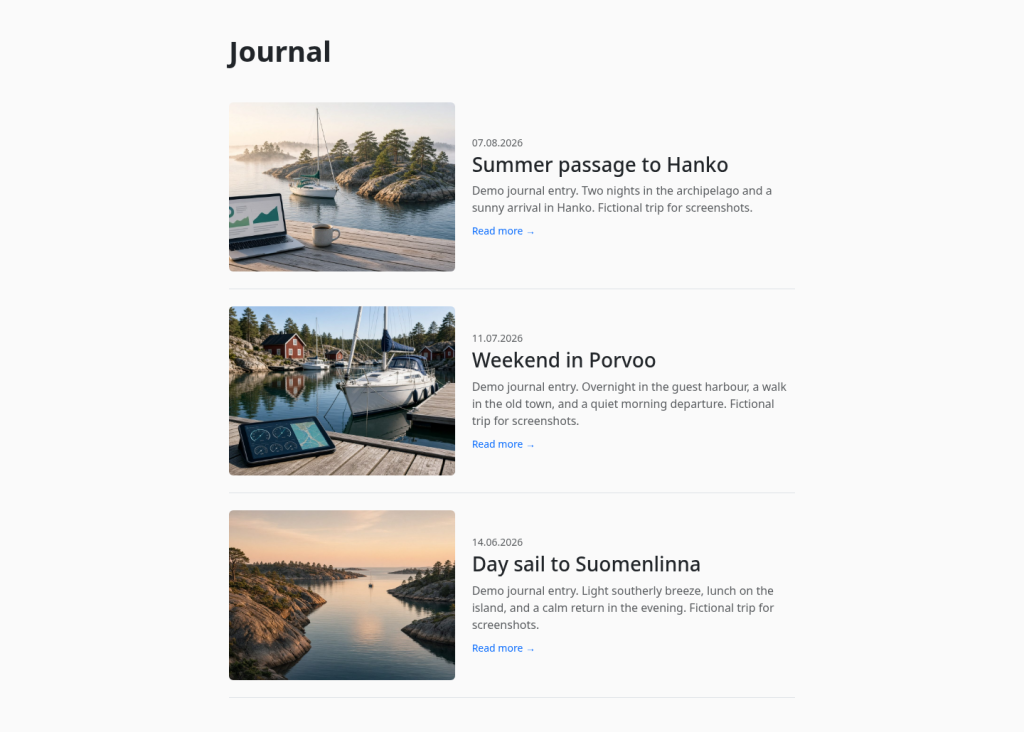
The public demo journal is available at haikoset.fi/my-first-boat/journal.
Screenshot with demo data (My First Boat).
What you can do
The features below are taken from the project’s README.
Trips and journal
Write a trip journal, share a post, and approve or delete public comments before they are shown. You can publish the journal; visitors open it at /<boat-name>/journal. Spaces in the boat name become hyphens, and the name is lower case.
Motor hours
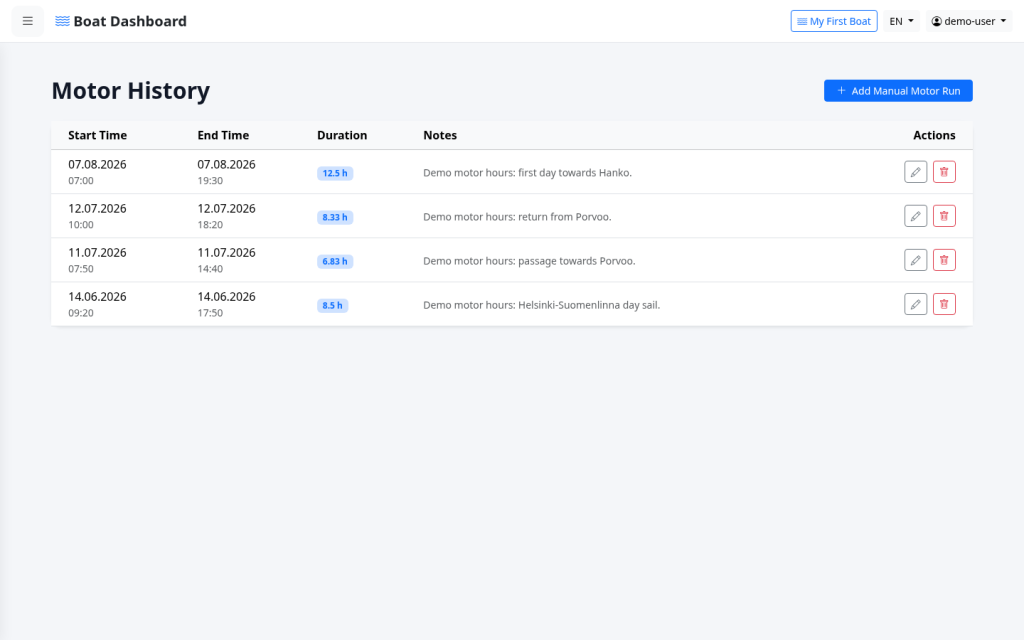
Record motor hours. The boat’s home page shows motor hours, sensors, and the boat gallery.
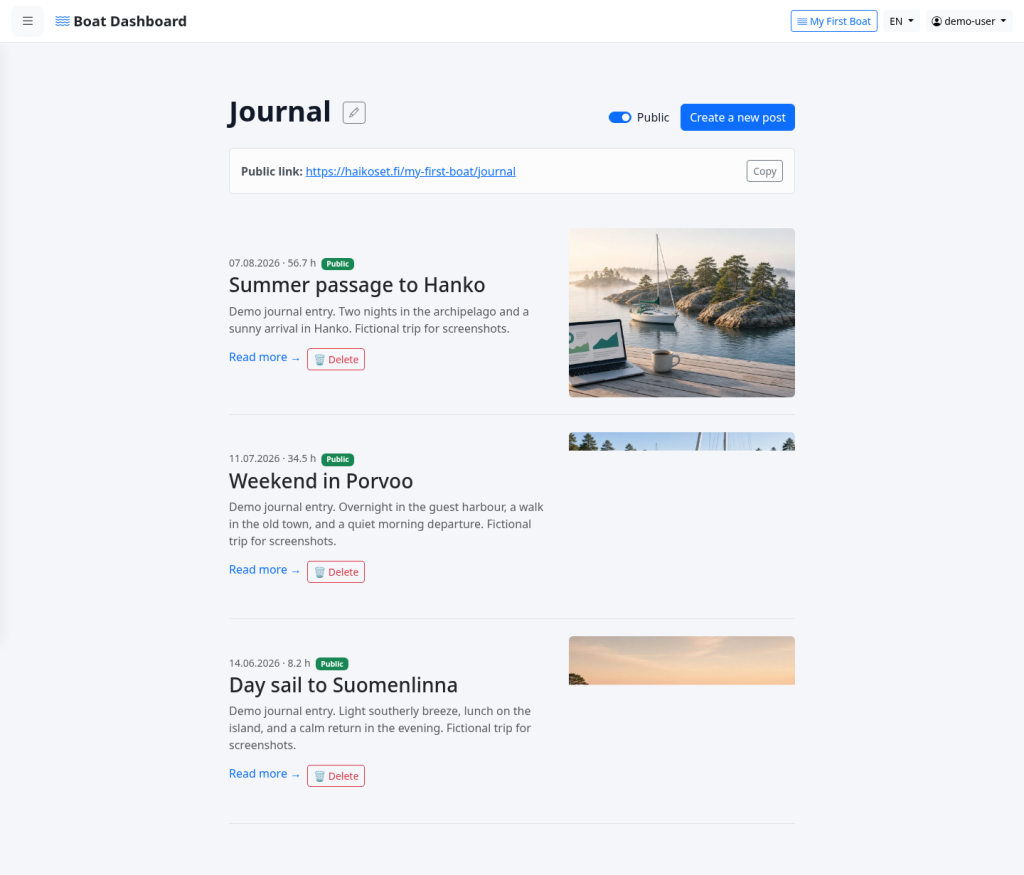
The journal can be published so a visitor can open it without signing in. The live demo journal for this sample boat is at https://haikoset.fi/my-first-boat/journal.
Service, checklist and passengers
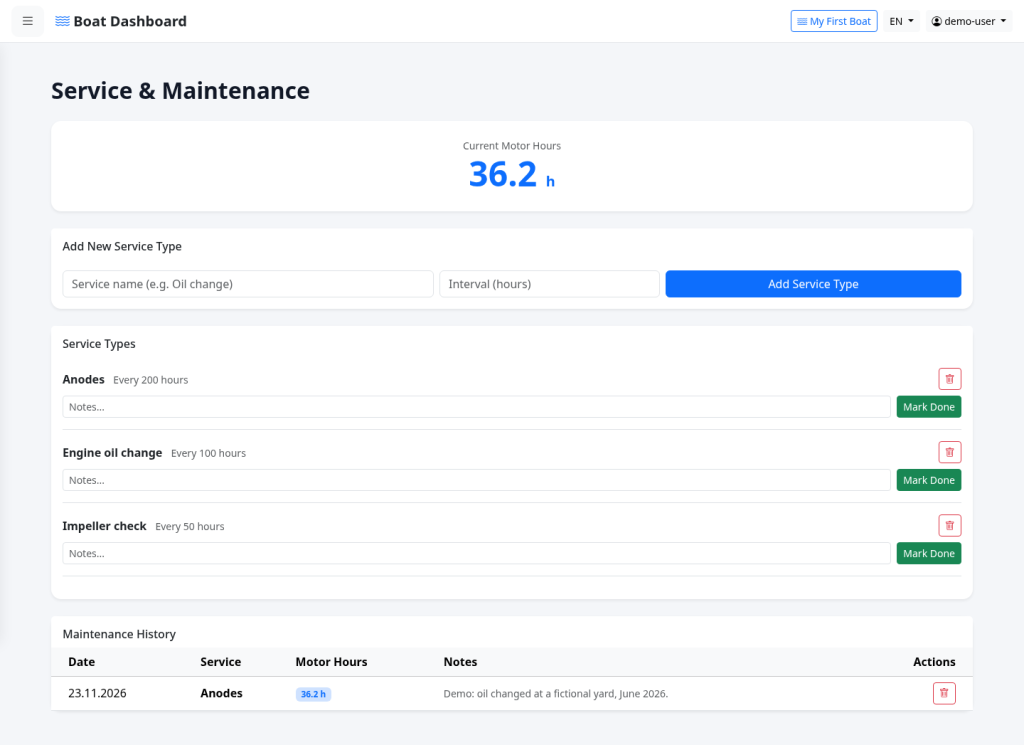
Record service intervals, an onboard checklist, and passengers. These are available from the side menu with the other boat records.
Expenses and tips
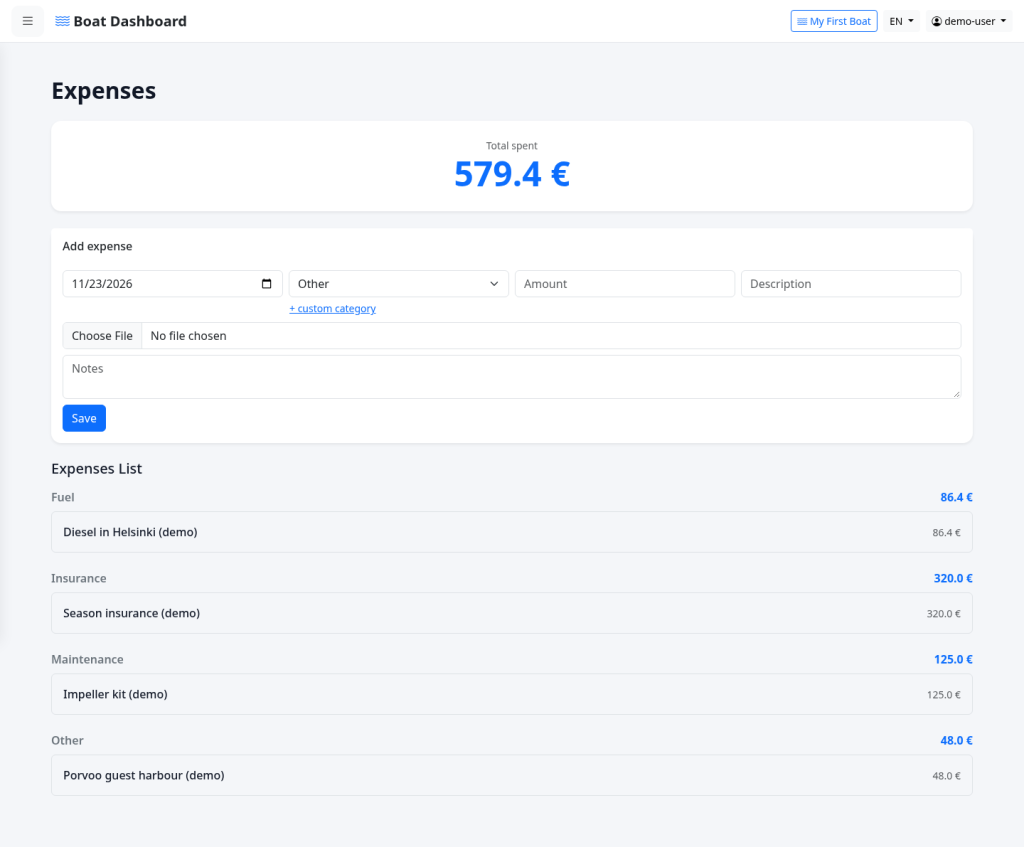
Store expenses with receipt photos, as well as tips.
Documents and photos
Store documents. Photos are resized on upload (longest side 1600 pixels) so phone pictures do not fill the disk. Uploads can include images, PDF and GPX files, up to 25 MB.
Sensors
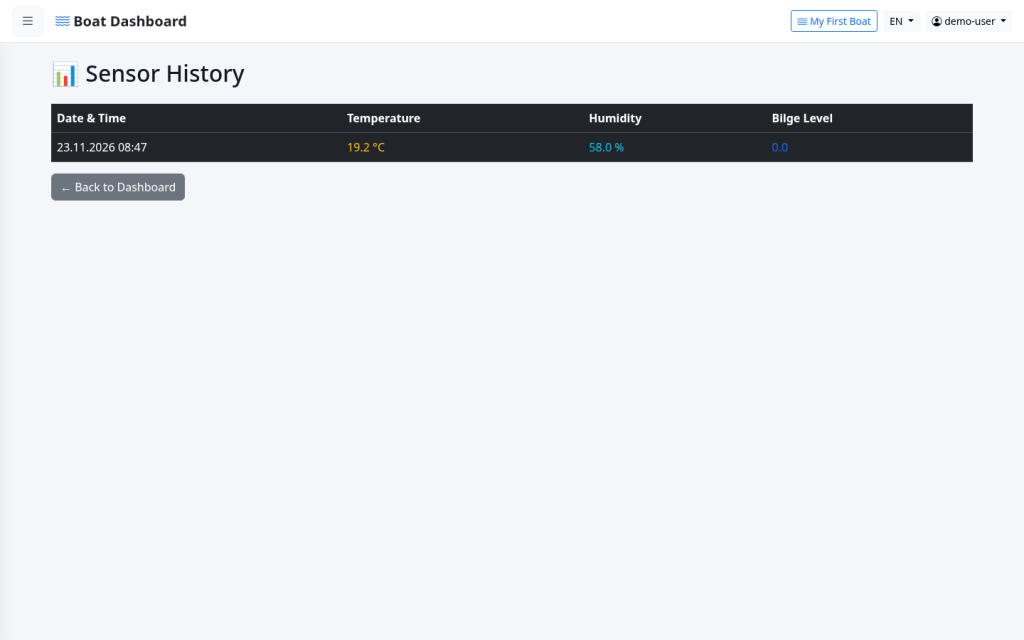
Show temperature, humidity, and bilge readings sent by a sensor. A device can post JSON to POST /api/sensor. The secret is set in the admin boat page, and a wrong secret is rejected.
More than one boat, and users
Keep more than one boat, and choose who may open each boat. Admins can create users and assign them to a boat. A user only sees boats they are assigned to.
Languages
The interface can be switched between English, Finnish, Swedish, Russian, and German.
The admin boat page can download a zip of one boat’s database and uploaded files. The zip does not contain user accounts. Keep a copy of main.db as well.
How it works and how to install it
Daily use is straightforward: enter the secure code, if that step is turned on, sign in, choose a boat, and use the side menu for the journal, motor history, service, onboard list, passengers, tips, expenses, documents, and boat info.
You can also install the application yourself. The GitHub project description says one command creates a working install. In practice you get the files from GitHub, need Python 3.10 or newer, and install the packages in a virtual environment. Then the command python fresh_start.py creates the first database, one boat, and an admin account. Start the app with python app.py and open it in a browser, locally at http://localhost:5000.
python3 -m venv venv
source venv/bin/activate
pip install -r requirements.txt
python fresh_start.py
python app.py
Do not run fresh_start.py if you already have a database you want to keep: that script removes the old databases. Change the password after the first login. Full steps, Windows instructions, and how to move an existing boat are in the project README on GitHub.
Technology
- A Flask application with SQLite; there is no separate database server
- Each boat has its own database file, so a boat can be copied or backed up on its own
- Python 3.10 or newer
- The README states that the license is MIT
- Open source: github.com/AlexeiHaikonenuser/Boat-Dashboard-
Who it is for
This is for boat owners who want to keep a boat’s log in one place online, and for anyone who wants to install the same open-source application themselves. Haikoset provides a working installation at haikoset.fi/boat/ and can help with setup.
Screenshots
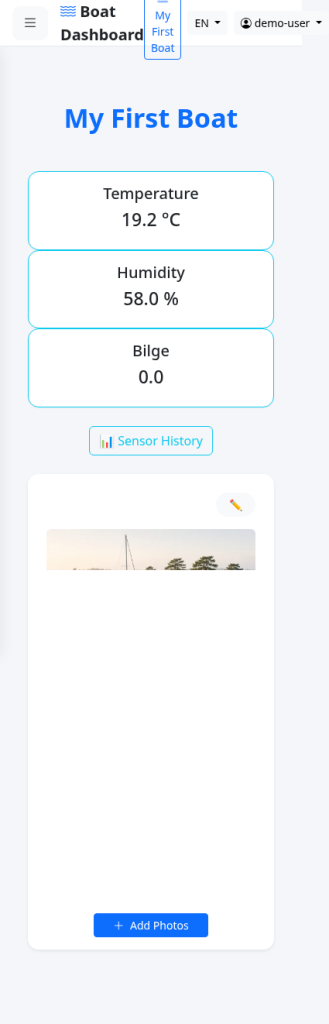
Below is the home view on a phone. Every screenshot on this page shows fictional demo data on the boat My First Boat, not records from a real vessel.
Open the public demo journal: https://haikoset.fi/my-first-boat/journal.
Want more information or access?
Get in touch and we will tell you more about the boat management tool.
Email: haikoset.mail01@gmail.com